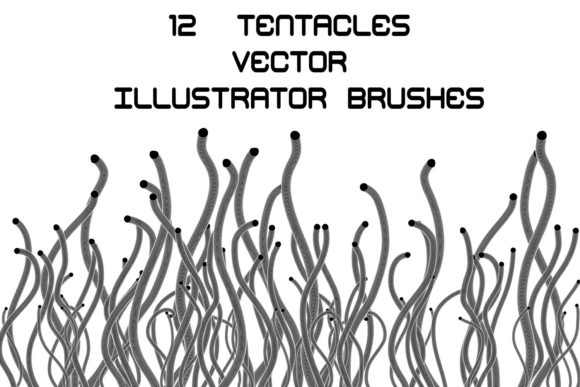
Unleashing Chaos: Mastering Messy, Inky, and Glitchy Art Brushes in Adobe Illustrator
In the pristine, vector-based world of Adobe Illustrator, precision is often the default. Lines are crisp, curves are mathematically perfect, and colors sit in flat, unblemished fields. While this cleanliness is essential for corporate logos and technical diagrams, it can feel sterile for artists seeking expression, emotion, or raw energy. This is where different art brushes come into play, specifically those designed to break the mold. By introducing messy, inky, rough, textured, and glitchy elements into your workflow, you transform rigid vectors into dynamic, organic compositions that breathe with life.
The demand for authenticity in digital design has surged. Clients and audiences alike are drawn to work that feels handcrafted, even when created digitally. Utilizing exclusive brushes that mimic the unpredictability of traditional media—or the chaotic beauty of digital error—allows designers to bridge the gap between the controlled environment of software and the wild nature of human creativity. These tools are not just overlays; they are fully editable, scalable assets that retain the power of vector graphics while delivering the aesthetic of analog imperfection.
The Aesthetic Power of Imperfection
Why do we crave texture in a medium built for smoothness? The answer lies in visual interest and emotional resonance. A perfectly straight line communicates stability, but a rough, ink-splattered stroke communicates urgency, history, or movement. When you incorporate art brushes with different styles, you are adding a layer of narrative to your design.
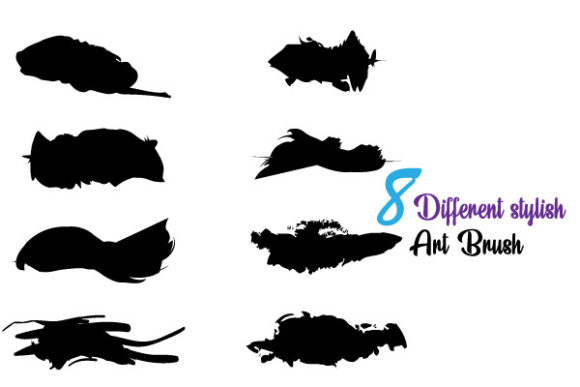
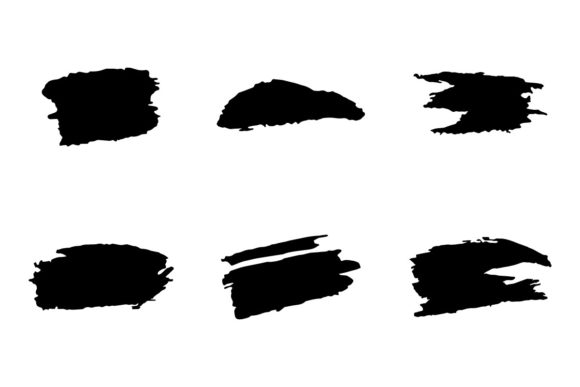
Consider the "inky" aesthetic. Ink behaves unpredictably. It bleeds, pools, and skips depending on the pressure and the surface. Digital brushes that replicate this behavior allow you to create illustrations that feel wet and immediate. Similarly, "glitchy" brushes tap into the modern zeitgeist of digital decay and cyberpunk aesthetics. They introduce jagged edges, pixelated distortions, and fragmented lines that suggest a system under stress or a reality breaking apart. These are not mistakes; they are deliberate stylistic choices that define the mood of the piece.
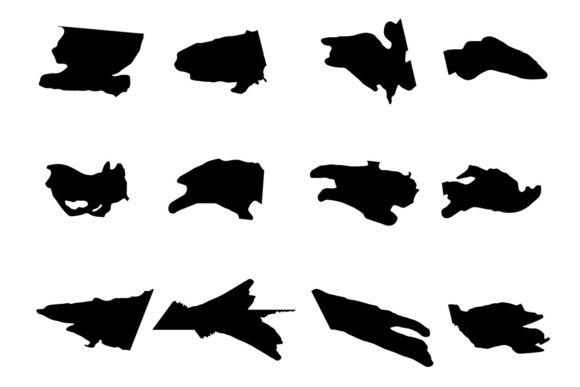
Rough and textured brushes serve a different purpose. They add tactile quality to flat screens. In an era where most content is consumed on glass surfaces, giving viewers the illusion of paper grain, charcoal dust, or dry brush strokes creates a subconscious connection to the physical world. This sensory depth makes designs more memorable and engaging.
Versatility Across Modern Projects
The application of these varied and unique brushes extends far beyond fine art illustrations. They have become indispensable in various commercial and creative industries. For branding agencies, a messy, hand-drawn logo mark can help a startup appear approachable and artisanal, distinguishing it from competitors who rely on generic sans-serif typography. In editorial design, rough textured borders and inky dividers can guide the reader’s eye through long-form content without feeling oppressive or overly structured.
Motion graphics designers also benefit immensely from these tools. While Adobe Illustrator is primarily a static tool, the paths created by these brushes can be imported into After Effects. A glitchy brush stroke can serve as the basis for a dynamic transition, while an inky splash can animate into a title reveal. The scalability of SVG and EPS files ensures that these elements remain sharp regardless of the output size, whether it’s a massive billboard or a tiny social media icon.
Furthermore, the rise of streetwear and urban fashion design has created a huge market for gritty, textured graphics. T-shirt designs, poster art, and album covers often rely on the high-contrast, rough-edged look that only specific different art brushes can provide efficiently. Instead of spending hours manually distressing a vector shape in Photoshop, designers can apply a brush stroke in Illustrator and achieve a similar effect in seconds, with the added benefit of full editability.
Technical Advantages: Editability and Customization
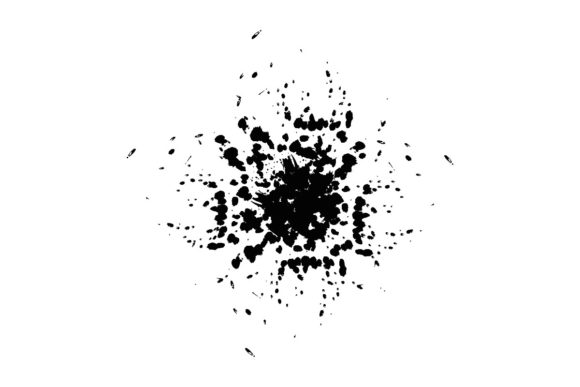
One of the most significant advantages of using vector-based texture brushes over raster images is flexibility. Traditional texture overlays are pixel-dependent. If you scale them up, they blur or pixelate. However, the exclusive brushes discussed here are built on vector paths. This means you can scale a tiny ink splatter to the size of a building facade, and it will remain crisp and defined.
Easy Customizable Any Color Editable
Color adaptation is often a pain point when using pre-made textures. With raster images, changing the color of a complex texture usually requires complex masking or blending modes that can muddy the original detail. With these Illustrator brushes, color customization is instantaneous. Because the brushes are constructed from vector shapes, you can change the stroke color, fill color, or opacity with a single click.
This feature is crucial for professional workflows where brand guidelines must be strictly followed. If a client requests a specific shade of navy blue for their inky background element, you don’t need to recreate the texture. You simply update the color value. This ease of editing allows for rapid iteration. Designers can test multiple color schemes quickly, ensuring the final product aligns perfectly with the project’s visual identity.
Adobe Illustrator CC Files Included: SVG and EPS
Compatibility is key in collaborative environments. The inclusion of Adobe Illustrator CC files, along with universal formats like SVG and EPS, ensures that these brushes integrate seamlessly into existing pipelines. SVG (Scalable Vector Graphics) is particularly important for web developers. These files can be embedded directly into websites, keeping load times low while maintaining high resolution on retina displays. EPS (Encapsulated PostScript) remains the standard for print production, ensuring that what you see on screen is exactly what comes off the press.
Having access to the source files means you are not locked into a preset. You can open the brush definitions, analyze how the randomness was constructed, and tweak the parameters. Want the glitch effect to be more subtle? Adjust the anchor points. Want the ink bleed to be more aggressive? Modify the path width profiles. This level of control transforms the brushes from simple stamps into powerful design systems.
Combining Styles for Unique Results
The true magic happens when you stop treating these brushes as isolated tools and start combining them. Layering a rough, charcoal-like brush over a clean, geometric shape creates immediate contrast. Adding a subtle glitch effect to the edge of an inky splash can suggest a digital-analog hybrid aesthetic that is currently very popular in tech and music industries.
When working with different art brushes, consider the hierarchy of your design. Use the messiest, most textured brushes for background elements or accents that should recede slightly, allowing the cleaner, bolder elements to take center stage. Alternatively, use a highly detailed inky brush for your main subject to draw the eye, keeping the surrounding space minimal. The ability to edit and combine these styles via Adobe Illustrator allows for endless experimentation. You are not limited to one look; you can curate a unique visual language for each project.
It is also worth noting that these brushes encourage a non-destructive workflow. Since they are vector-based, you can always go back and adjust the stroke weight or expand the appearance to manipulate individual anchor points. This safety net encourages risk-taking. Designers feel freer to experiment with chaotic, messy layouts because they know they can refine or revert changes without losing quality.
Making the Right Choice for Your Workflow
When selecting brushes for your library, consider the specific needs of your typical projects. If you work heavily in print media, prioritize brushes with high-detail EPS files that handle complex gradients and overprints well. For web and app design, focus on SVG-compatible brushes that are optimized for file size. Look for collections that offer variety within a cohesive style. A set that includes both heavy, bold inky strokes and fine, scratchy textures provides more utility than a set with only one weight.
Ultimately, these exclusive brushes are about expanding your creative vocabulary. They allow you to speak in whispers and shouts, in smooth tones and jagged interruptions. By integrating messy, inky, rough, textured, and glitchy elements into your Adobe Illustrator workflow, you move beyond the limitations of the grid. You create work that is not just seen, but felt. Whether you are designing a brand identity, an editorial spread, or a digital illustration, these tools provide the organic touch necessary to stand out in a saturated digital landscape.