Hair Brushes for Procreate & Photoshop
Digital illustration has evolved from simple pixel manipulation to a sophisticated art form that rivals traditional media. Yet, one element consistently challenges even seasoned artists: hair. Rendering strands that look natural, voluminous, and dynamic requires more than just technical skill; it demands the right tools. This is where specialized Hair Brushes Procreate and Photoshop 6 collections become indispensable assets in your creative toolkit. Whether you are designing character concepts, retouching portraits, or creating digital fashion illustrations, having access to high-quality Abr brushes can drastically reduce rendering time while enhancing the realism of your work.
This guide explores how integrating a dedicated Brush set into your workflow can transform your digital painting process. We will delve into the practical applications of these tools, offering insights on how creators across various industries can leverage them for professional results.
The Power of Specialized Digital Tools
General-purpose round or flat brushes rarely capture the complex texture of human hair. Hair is not a solid mass; it is a collection of thousands of individual strands that interact with light, gravity, and movement. A standard brush often results in flat, plastic-looking locks that break the immersion of a piece. By utilizing a curated set of Digital hair tools, artists can mimic the organic flow and subtle irregularities of real hair.
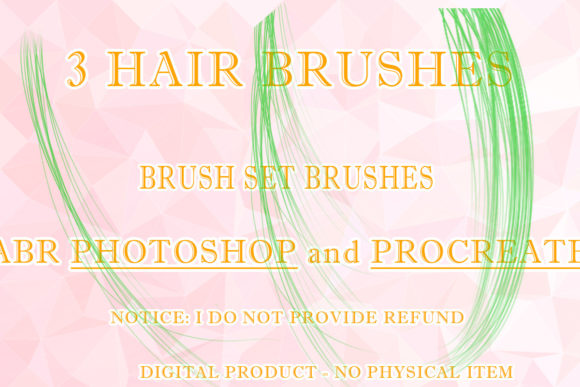
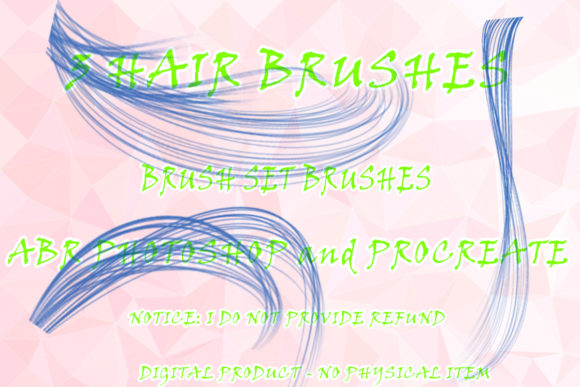
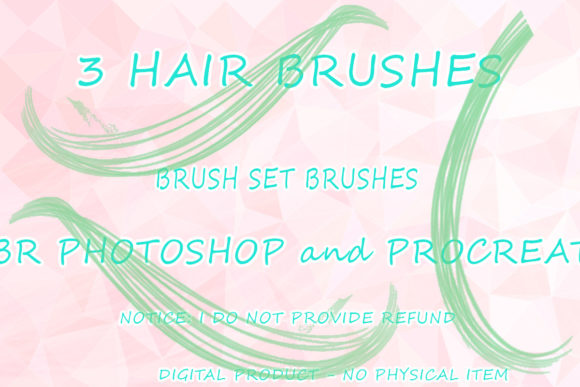
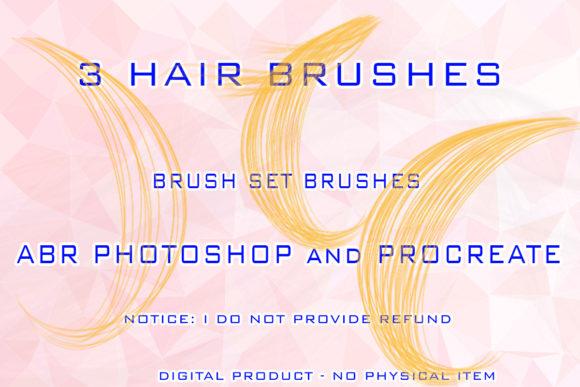
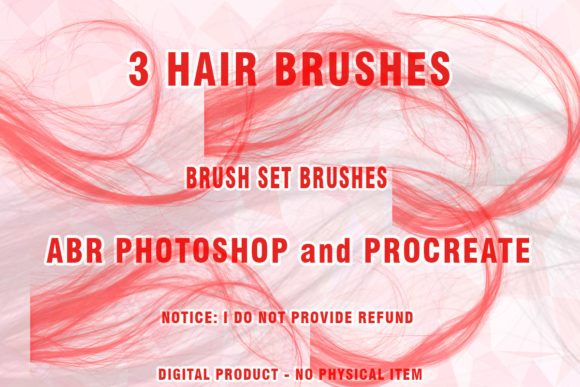
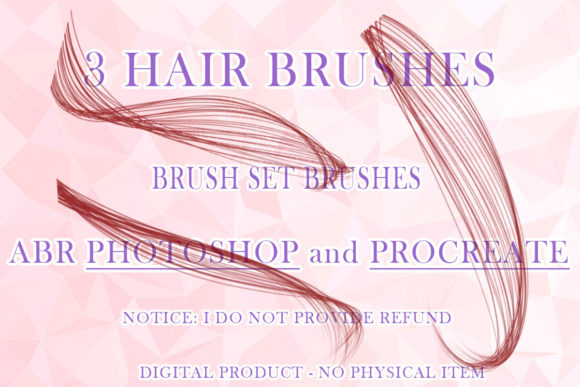
The Hair Brushes Procreate and Photoshop 6 collection is designed to bridge this gap. It includes six distinct brushes optimized for Procreate and three specialized Wigs Photoshop Brushes in ABR format. These tools are engineered to simulate different hair types, from sleek, straight styles to voluminous curls and textured waves. The inclusion of both Procreate and Photoshop formats ensures versatility, allowing iPad users and desktop professionals alike to maintain a consistent workflow across devices.
When you download this digital product, you receive a compressed .ZIP file containing the necessary .ABR files. This format is the industry standard for Adobe Photoshop, ensuring compatibility with most modern versions of the software. While the brushes are optimized for current iterations of Photoshop, it is worth noting that they may function partially on older, unsupported versions like CS3. However, for the best performance and pressure sensitivity response, using a supported version is recommended.
Creative Applications Across Industries
The utility of a high-quality Hair ABR set extends far beyond character illustration. Different professionals can adapt these tools to meet specific project goals, enhancing efficiency and visual appeal.
Character Design and Concept Art
For concept artists, speed is often as critical as quality. When iterating through multiple character designs, spending hours painting individual hair strands is inefficient. With Painted hair brushes, you can block in shapes quickly and add detailed strands in seconds. This allows for rapid experimentation with hairstyles, colors, and lighting conditions. You can test how a character’s personality changes with a messy bun versus sleek, straight hair without committing days to rendering.
Fashion Illustration and Editorial Design
Fashion illustrators rely on the interplay between fabric and hair to create dynamic compositions. A realistic Wigs Photoshop Brushes set enables designers to focus on the garment while ensuring the model’s hair complements the overall aesthetic. Whether you are creating editorial spreads for online magazines or mood boards for clients, these brushes help maintain a polished, professional look. The ability to switch between soft, airy textures and sharp, defined strands allows for greater stylistic flexibility.
Portrait Retouching and Digital Photography
Photographers and retouchers often need to enhance or reconstruct hair in post-production. Perhaps a client wants to see how they would look with a different hairstyle, or maybe wind disrupted a shoot. Using Digital brush tools specifically designed for hair allows for seamless integration of new elements. You can paint in missing volume, adjust hairlines, or add highlights that match the existing lighting environment. The key here is subtlety; the best retouching is invisible, and these brushes provide the control needed to achieve that natural blend.
Techniques for Realistic Results
Owning the right tools is only half the battle. To get the most out of your Hair Brushes Procreate and Photoshop 6 set, you must understand how to apply them effectively. Here are some practical recommendations for achieving clear, effective, and original results.
- Layer Management: Always paint hair on separate layers. This allows you to adjust opacity, blending modes, and color balance without affecting the underlying skin or background. Use clipping masks to keep your strokes contained within the head shape.
- Pressure Sensitivity: Take full advantage of your tablet’s pressure sensitivity. Varying the pressure creates natural tapering at the ends of hair strands, mimicking the way real hair thins out. Light touches yield fine, wispy hairs, while heavier pressure creates thicker, dominant locks.
- Color Variation: Hair is rarely a single solid color. Use multiple shades to create depth. Start with a base mid-tone, add darker shades for shadows beneath layers, and use lighter tones for highlights where light hits the crown. Your Abr brushes will blend these colors naturally if applied with a light hand.
- Direction and Flow: Observe reference images closely. Hair grows in specific directions and follows the contour of the skull. Avoid painting straight lines unless the style dictates it. Use curved strokes to suggest volume and movement. The Brush set includes variations that help simulate these natural flows.
Adapting to Your Workflow
Every creator has a unique style. Some prefer hyper-realism, while others lean towards stylized, painterly approaches. The beauty of this digital product lies in its adaptability. For a stylized look, use the brushes with higher opacity and bold colors to create graphic, impactful shapes. For realism, lower the opacity and build up layers gradually, focusing on subtle transitions and fine details.
Freelancers and small business owners can also benefit from these tools by speeding up client deliverables. If you offer custom avatar services or digital portraits, having a reliable Hair ABR library means you can turn around projects faster without sacrificing quality. This efficiency can directly impact your profitability and client satisfaction.
Educators and hobbyists will find these brushes excellent for learning purposes. They demonstrate how hair structure works, providing a tangible example of how light and texture interact. By deconstructing the strokes made by these brushes, students can gain a deeper understanding of digital painting fundamentals.
Ensuring Consistency and Organization
To keep your results consistent, establish a personal library of presets. Save your favorite color palettes and brush settings within Photoshop or Procreate. This ensures that when you return to a project after a break, you can pick up exactly where you left off. Organize your Wigs Photoshop Brushes in dedicated folders within your brush panel. Label them clearly by type (e.g., "Curly," "Straight," "Wispy") to avoid wasting time searching for the right tool during a creative flow.
Remember that digital tools are meant to assist, not replace, your artistic judgment. Use the Hair Brushes Procreate and Photoshop 6 as a foundation, but don’t be afraid to customize them. Adjust the spacing, jitter, or angle dynamics to suit your specific needs. The most original work comes from combining technical precision with personal creative intuition.
In conclusion, investing in specialized tools like this Brush set is an investment in your creative potential. It removes technical barriers, allowing you to focus on storytelling, design, and expression. Whether you are a marketer creating eye-catching social media content, a designer crafting next season’s lookbook, or an artist exploring new mediums, these Digital hair resources provide the support needed to elevate your work. Download the .ZIP file, install the .ABR files, and start experimenting. The perfect strand is just a click away.