Unleashing Chaos: Mastering Messy, Inky, and Glitchy Textures with Exclusive Adobe Illustrator Brushes
In the pristine world of vector graphics, perfection is often the default. Lines are crisp, colors are flat, and shapes are mathematically precise. However, modern design trends are shifting away from sterile minimalism toward something more organic, raw, and emotionally resonant. Designers are increasingly seeking ways to inject personality into their work, moving beyond the clean lines of traditional vector art to embrace the messy, inky, rough, and textured aesthetic. This is where a specialized toolkit becomes indispensable. By integrating 8 Paint Art Brushes into your workflow, you can bridge the gap between digital precision and analog imperfection, creating visuals that feel hand-crafted yet remain fully editable.
The Power of Imperfection in Digital Design
Why do we crave texture in a digital medium? The answer lies in human connection. Perfect vectors can sometimes feel cold or corporate. Introducing glitchy elements, ink splatters, and rough edges adds a layer of authenticity that resonates with viewers. It suggests movement, energy, and even a bit of rebellion. Whether you are designing album covers, streetwear graphics, or editorial layouts, these textures provide visual weight and depth.
The challenge has always been maintaining flexibility. Traditional raster textures lose quality when scaled, and painting them manually in Illustrator can be time-consuming and difficult to replicate. This is why having a dedicated set of exclusive brushes is a game-changer. These tools allow you to apply complex, chaotic textures with a single click, while retaining the full power of vector editing. You get the look of a messy ink spill without the hassle of cleaning up actual paint.
Beyond Standard Strokes: Understanding the Brush Types
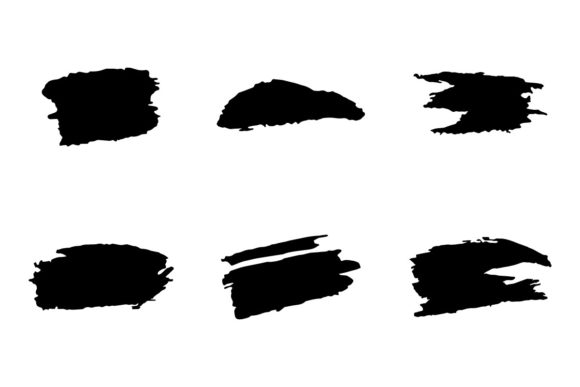
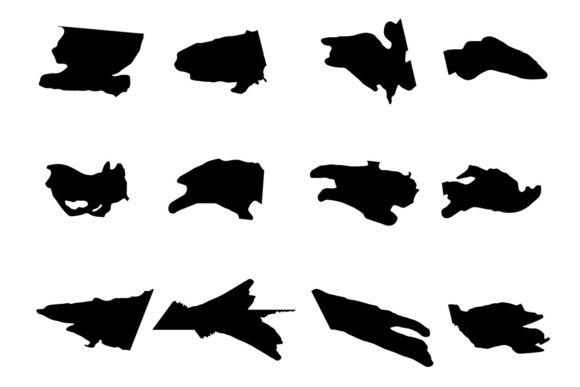
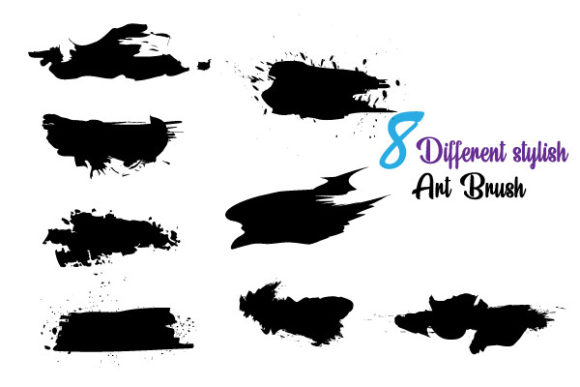
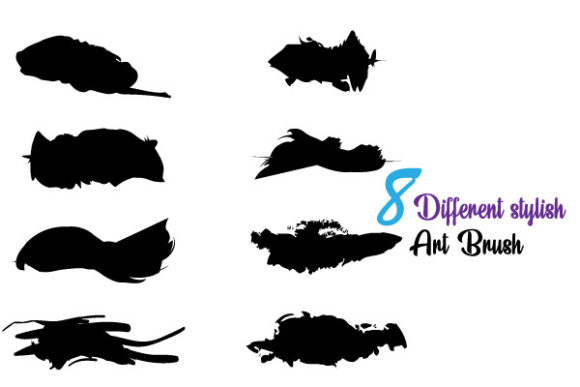
Not all brushes are created equal. The collection of 8 Paint Art Brushes discussed here is curated specifically for artists who want to break the mold. Each brush serves a distinct purpose, allowing for a wide range of expressive possibilities.
- The Inky Drip: Perfect for adding gravity-defying runs of black or colored ink, giving your typography a wet, fresh-off-the-press look.
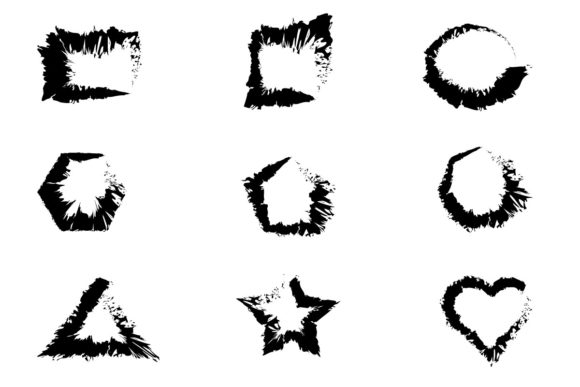
- The Rough Edge: Ideal for framing shapes or creating borders that look torn or hand-cut rather than digitally sliced.
- The Glitch Scatter: Introduces digital noise and fragmentation, perfect for cyberpunk aesthetics or modern tech branding.
- The Dry Brush: Mimics the texture of a brush with little paint, leaving gaps and streaks that suggest speed and urgency.
These varied and unique brushes can be edited and combined via Adobe Illustrator, allowing you to layer effects. For instance, you might use a solid base shape, overlay it with a rough edge brush, and then accent it with inky drips. The result is a composite image that feels complex and layered, yet remains lightweight and scalable.
Seamless Integration into Your Workflow
One of the primary concerns for professional designers is compatibility and ease of use. You do not want to spend hours troubleshooting file formats or dealing with plugins that slow down your software. These brushes are designed with efficiency in mind. They come as Adobe Illustrator CC Files, ensuring they work smoothly with the latest versions of the industry-standard software.
Furthermore, the inclusion of SVG and EPS formats means you are not locked into a single ecosystem. If you need to import a specific textured element into Photoshop, After Effects, or even a web project, the vector nature of these files ensures they remain crisp at any size. This versatility is crucial for modern workflows where assets often need to be repurposed across multiple platforms, from large-format billboards to small mobile screens.
Customization: Making the Brush Your Own
A static brush is limiting. The true power of this collection lies in its easy customizable nature. Every stroke you make is an object that can be manipulated. Did the ink splatter go too far? Simply select the anchor points and adjust them. Want the glitch effect to be more subtle? Reduce the opacity or change the blending mode.
Color editing is equally straightforward. Because these are vector paths, you can change the color of any brush stroke instantly. This is particularly useful for branding projects where you need to adhere to strict color palettes. You can create a messy, abstract background in one click, then recolor it to match your client’s brand guidelines in seconds. This level of control allows for rapid iteration. You can experiment with dozens of variations in the time it would take to paint a single traditional texture.
Practical Applications Across Industries
Where do these messy, inky, rough, textured glitchy styles fit best? The applications are vast and growing. Here are a few scenarios where these 8 Paint Art Brushes shine:
- Music and Entertainment: Album art and concert posters often benefit from high-energy, chaotic visuals. The glitch and ink brushes can convey the intensity of rock, punk, or electronic music.
- Fashion and Apparel: Streetwear brands frequently use distressed graphics to create a vintage or urban feel. Using these brushes on t-shirt designs adds authenticity without the need for screen-printing simulations.
- Editorial Design: Magazines and zines use textured elements to break up text and add visual interest. A rough brush stroke can serve as an underline for a headline or a background for a pull quote.
- Social Media Content: In a feed full of polished photos, a post with raw, hand-drawn textures stands out. It stops the scroll by offering something tactile and different.
For freelancers and agency designers alike, having these tools in your library means you can say "yes" to projects that require a specific artistic flair without needing to hire an illustrator. You become the illustrator, armed with tools that mimic traditional media but offer digital convenience.
Choosing the Right Tool for the Job
When evaluating brush packs, consider the balance between randomness and control. Some brushes are too chaotic, making them hard to direct. Others are too uniform, losing the organic feel. The exclusive brushes in this set strike a careful balance. They provide enough randomness to look natural but are structured enough to be predictable and usable.
Another factor is editability. Many free brushes online expand into thousands of anchor points, slowing down your computer. High-quality brushes, like those included in this pack, are optimized for performance. They maintain the visual complexity of a rough texture without bogging down your system with unnecessary data. This ensures that your design process remains fluid and responsive.
Elevating Your Creative Identity
In a saturated market, having a unique visual style is essential. Relying solely on stock photos or standard vector shapes can make your work look generic. By incorporating these 8 Paint Art Brushes, you develop a signature look that is distinctly yours. You can combine the glitchy elements with clean typography for a contrast that catches the eye, or use the inky textures to soften harsh geometric layouts.
Moreover, the ability to edit and combine these brushes encourages experimentation. You are not just applying a preset; you are creating new forms. Maybe you stretch an ink splatter to create a dynamic swoosh, or rotate a glitch pattern to frame a logo. The possibilities are limited only by your imagination. This creative freedom is what separates good designers from great ones. It allows you to solve visual problems in novel ways, delivering results that are both functional and aesthetically striking.
Ultimately, the goal is not just to make things look messy for the sake of it. It is to use texture and imperfection to communicate emotion and energy. These brushes are tools for expression. They allow you to bring the warmth of human touch into the digital realm, creating designs that feel alive. Whether you are a seasoned illustrator or a graphic designer looking to expand your toolkit, integrating these Adobe Illustrator CC compatible brushes will enhance your capability to produce compelling, modern, and textured artwork.